

1) Overview
You can check your real-time indoor position using the OneS1ght app.2) Supported Devices and App Installation


3) Running the App and Checking Positioning
(1) Grant Permissions and Log In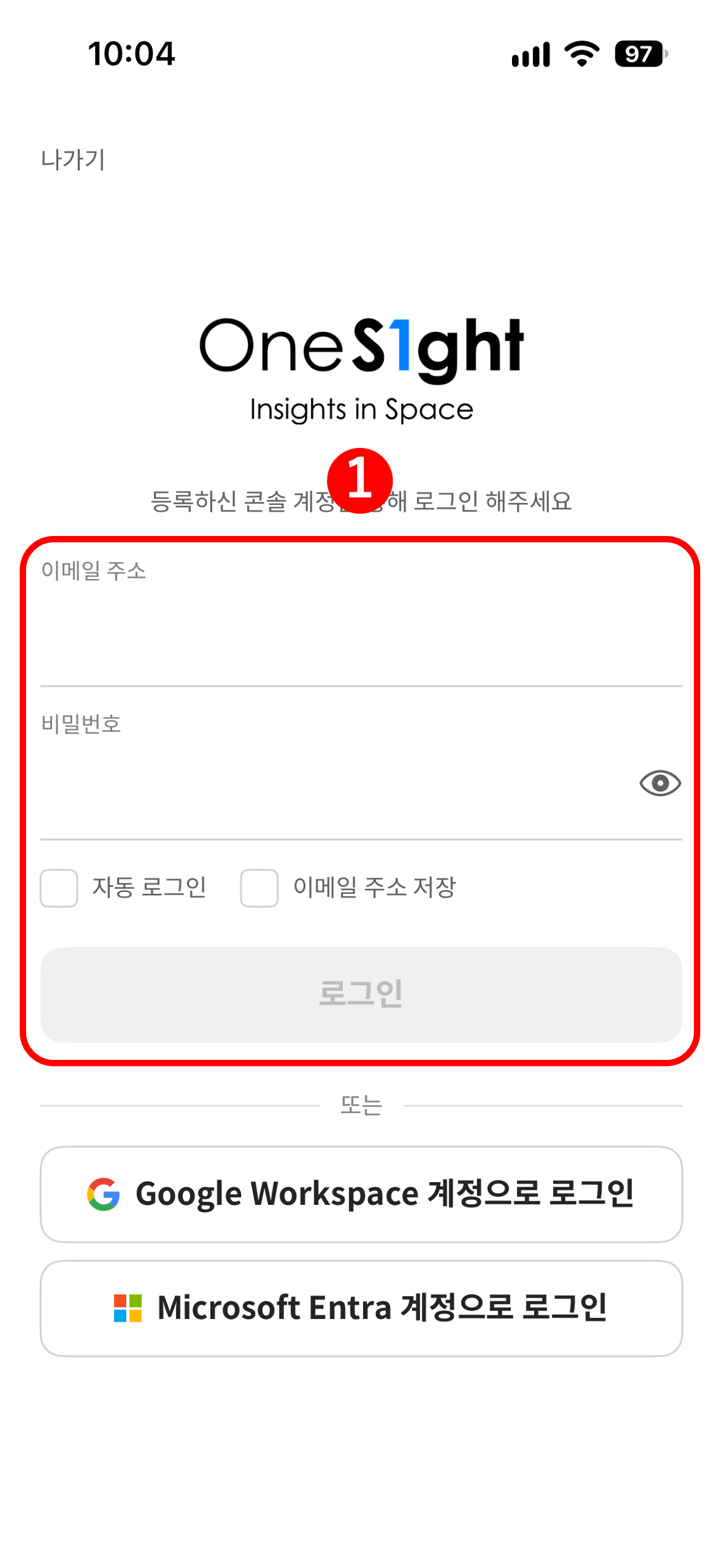
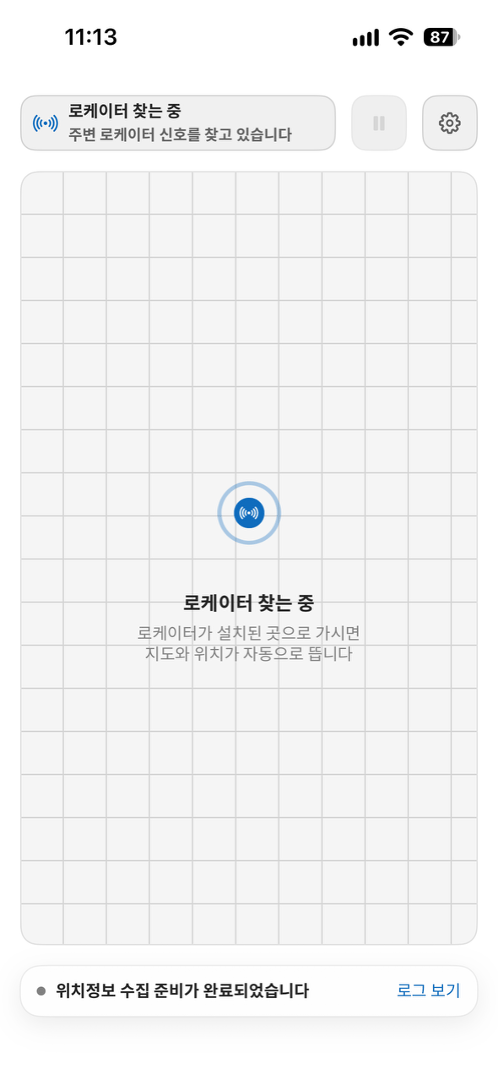
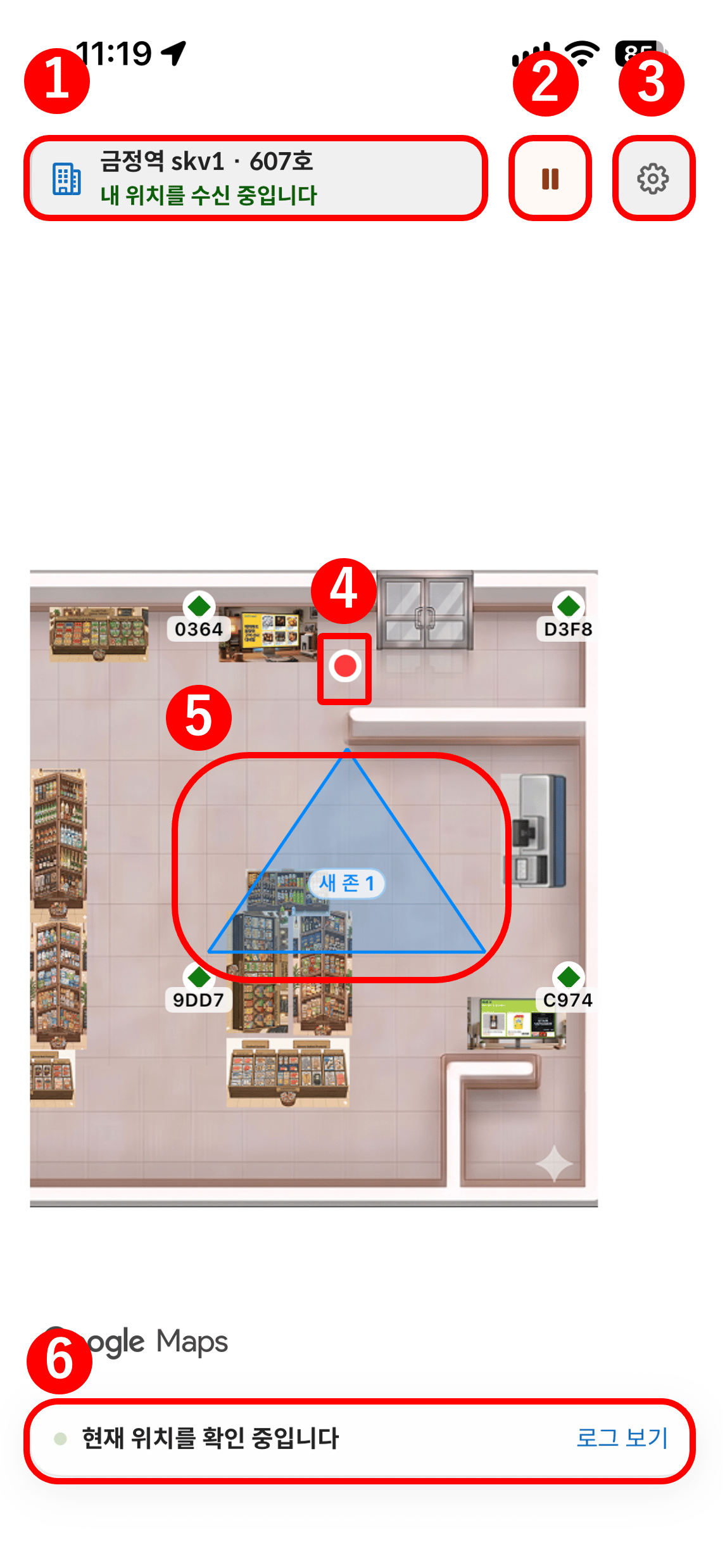
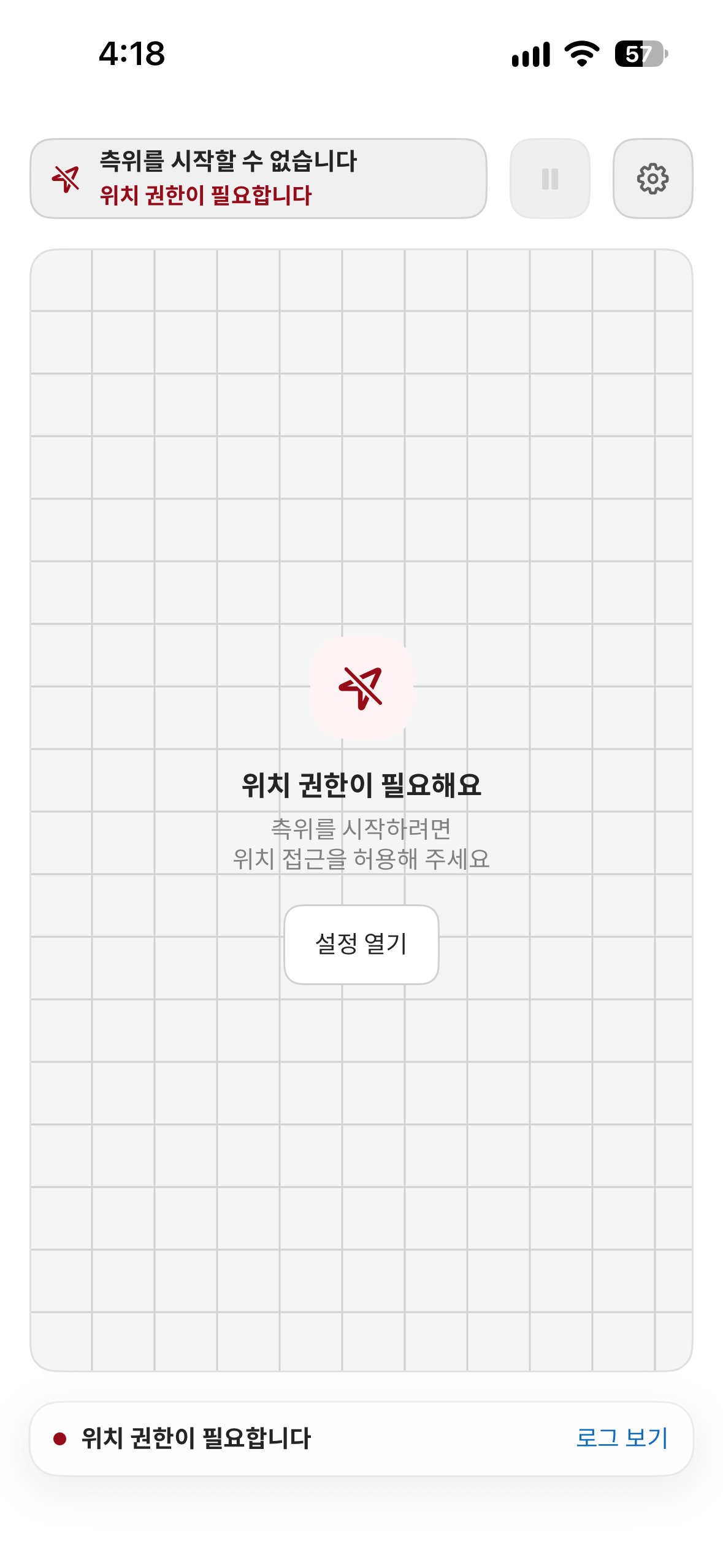
(4) When Permissions Are Missing
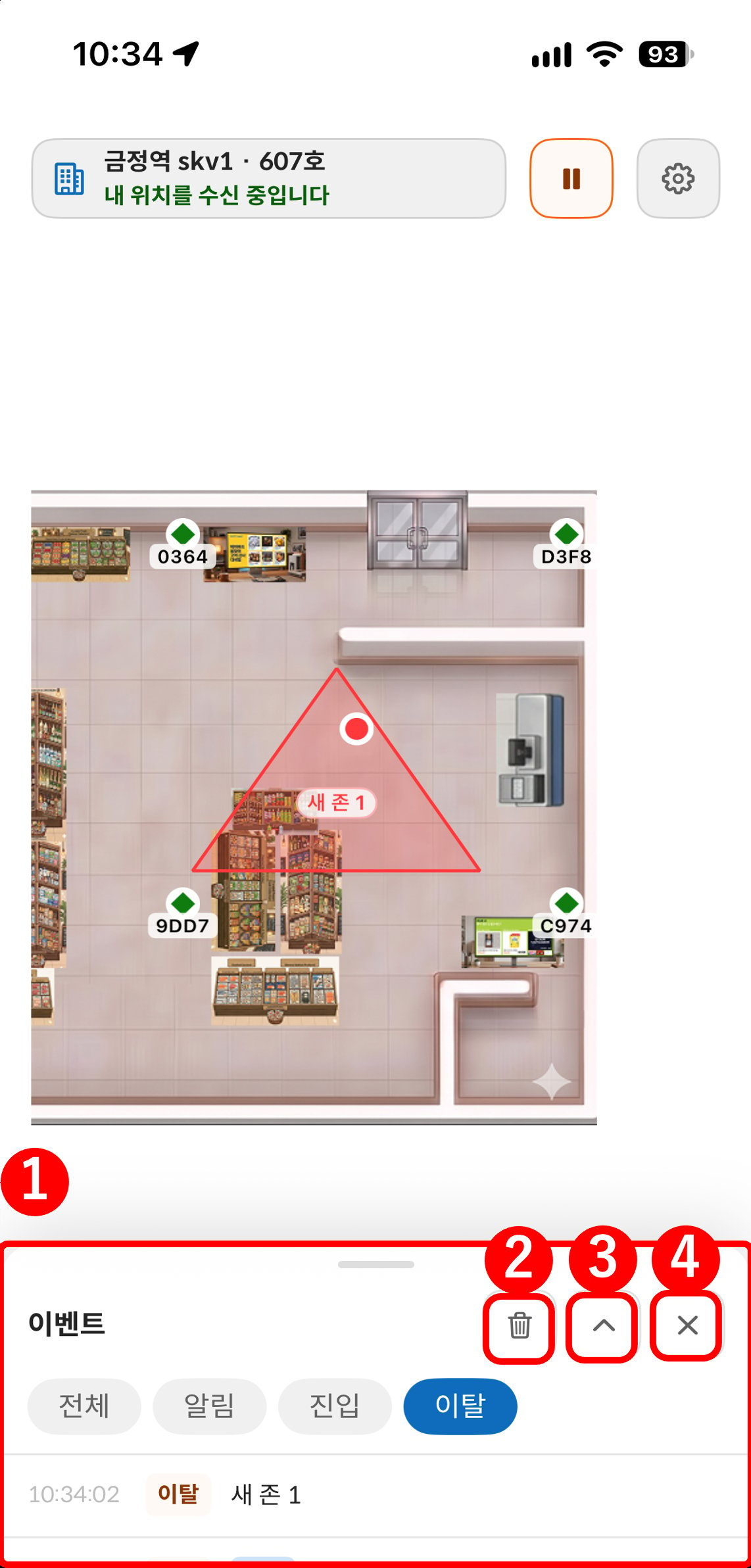
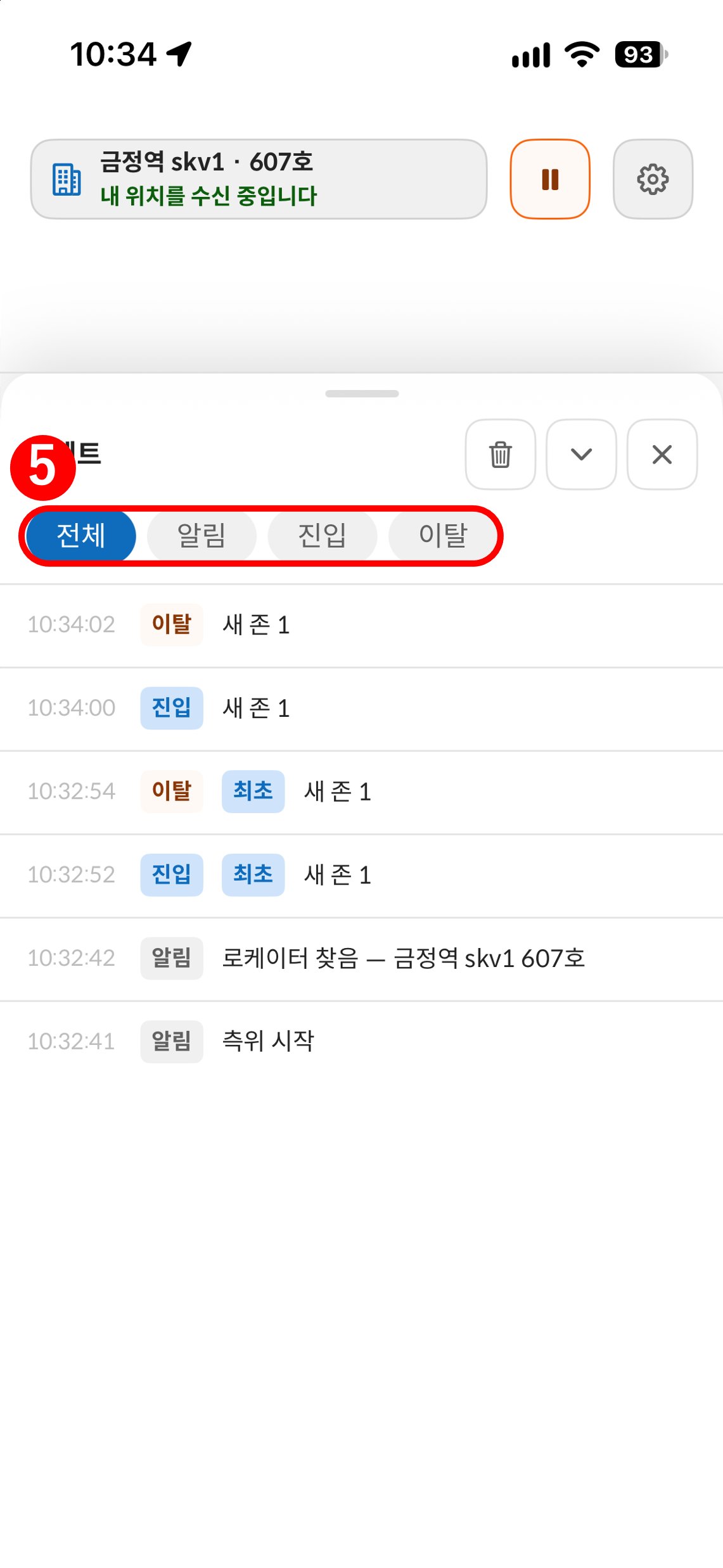
4) When Positioning Is Not Working
If the position dot does not appear, check the items below first. For detailed steps, see Troubleshooting.- Confirm that all 4 locators are powered on (top green LED lit)
- Confirm that the phone is inside the positioning area surrounded by the 4 locators
- Confirm that Location and Bluetooth permissions (including Nearby devices permission on Android) are allowed on the phone
Checklist
Once all items below are confirmed, the Demo Kit installation and verification are complete.